
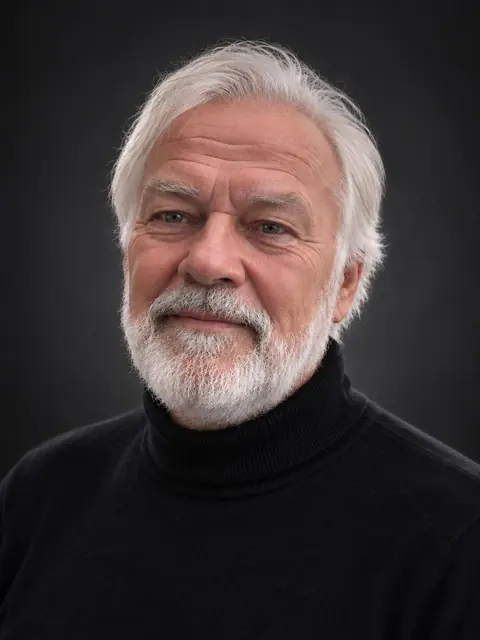
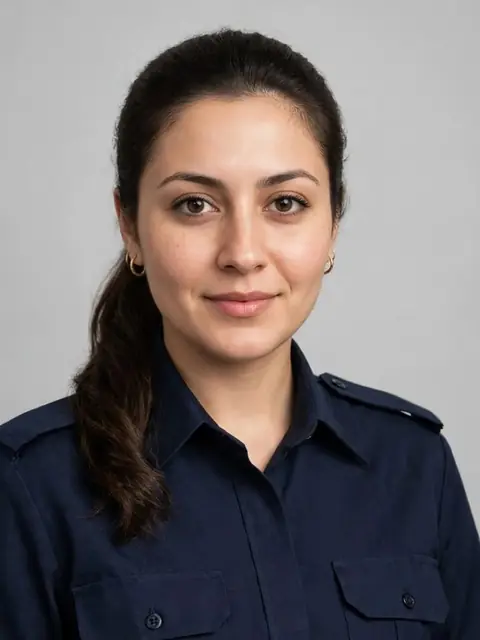
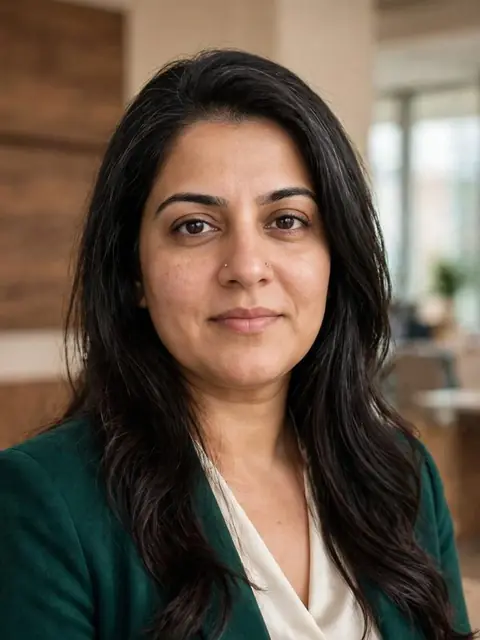
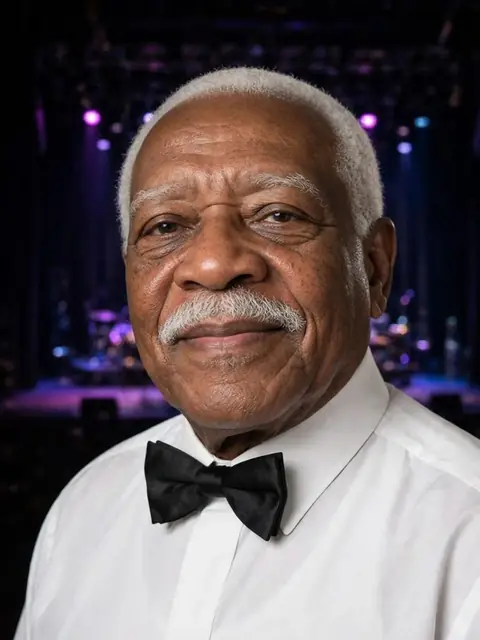
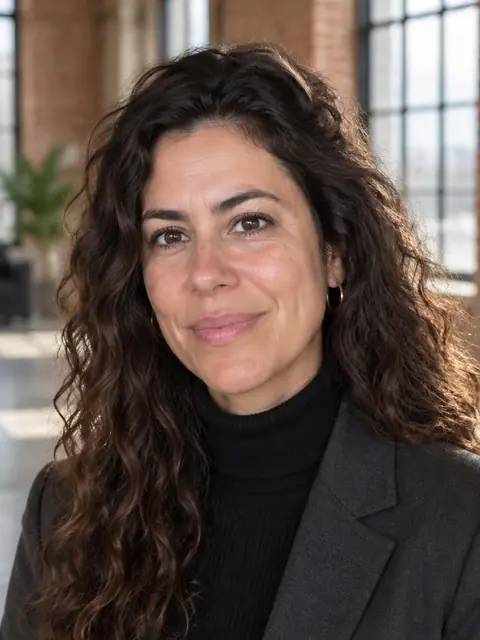
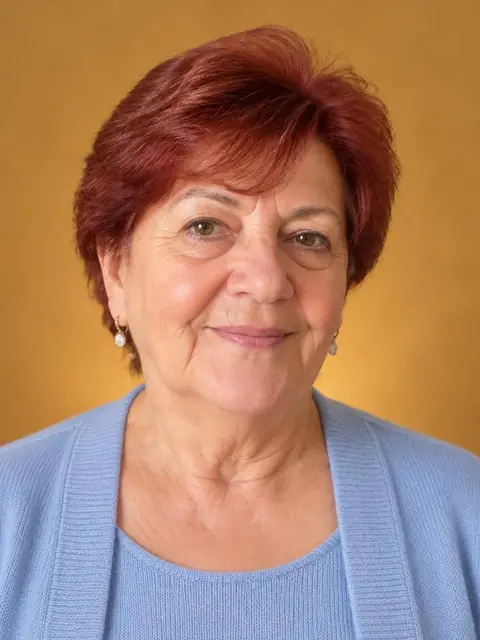
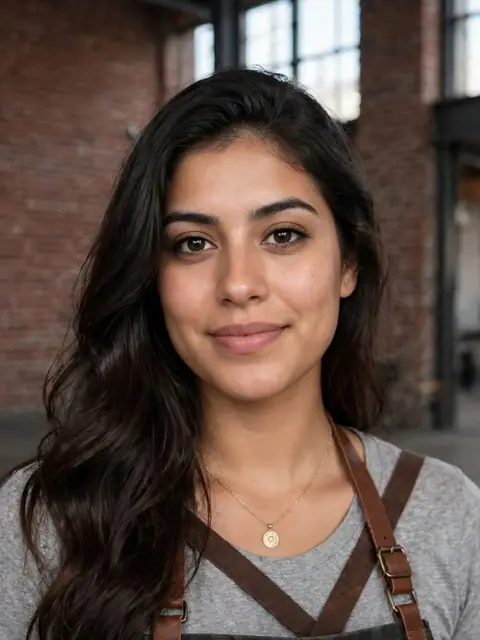
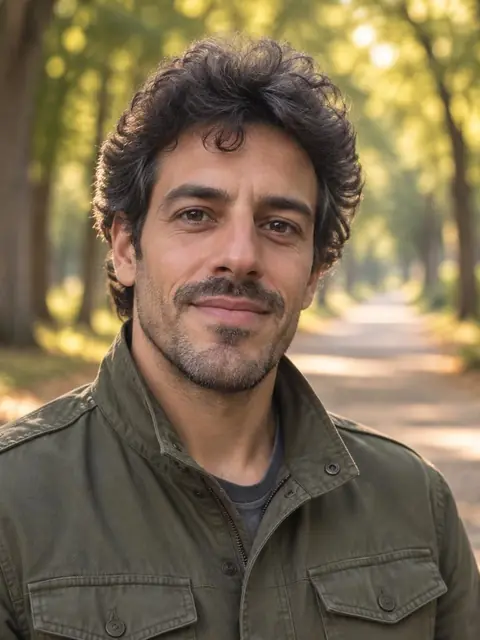
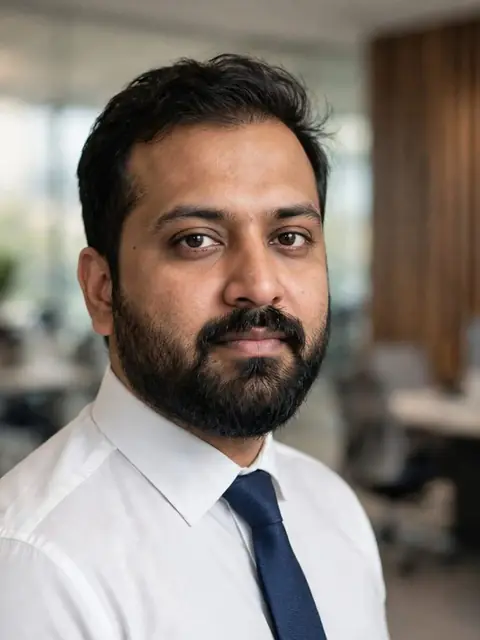
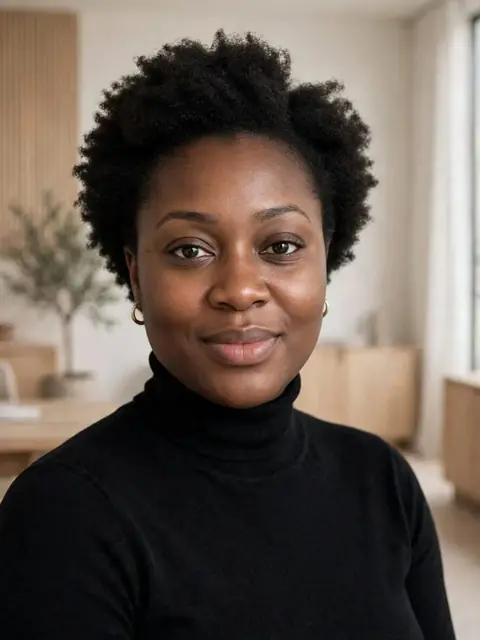
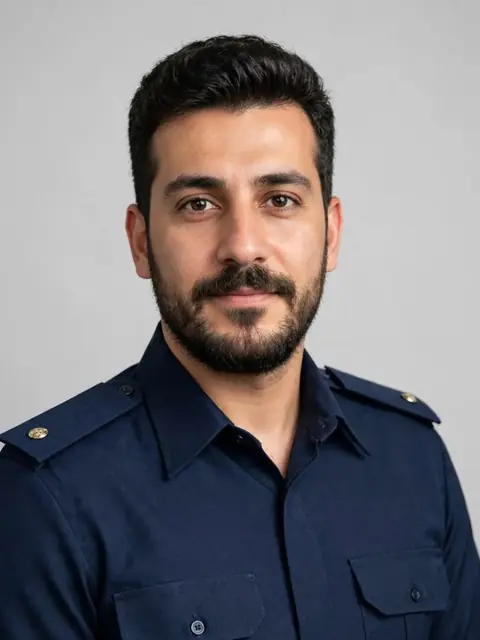
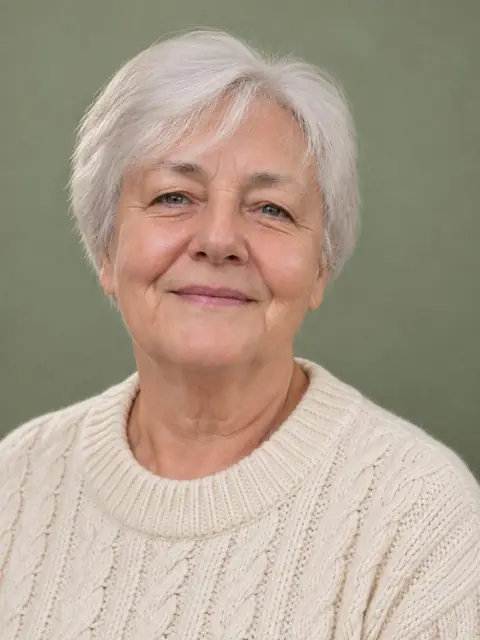
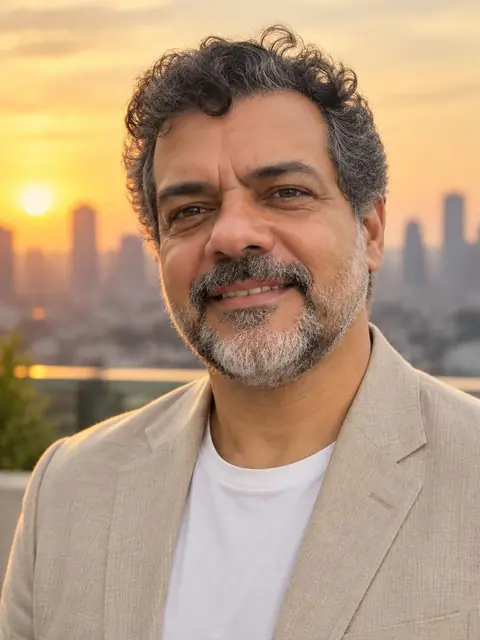
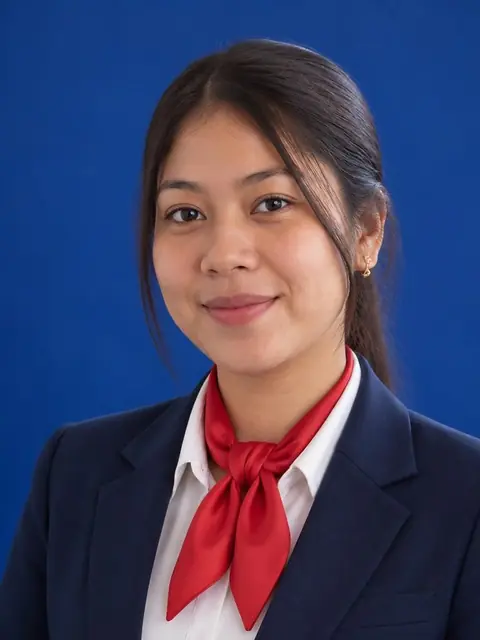
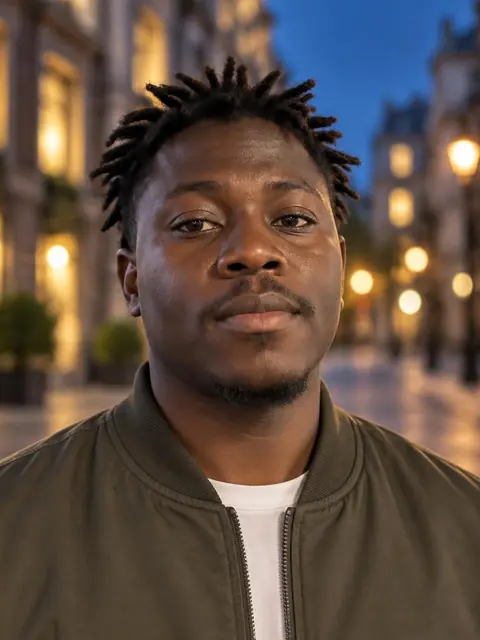
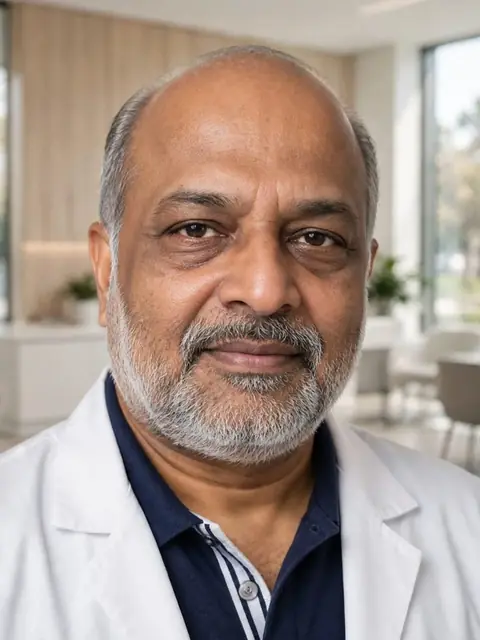
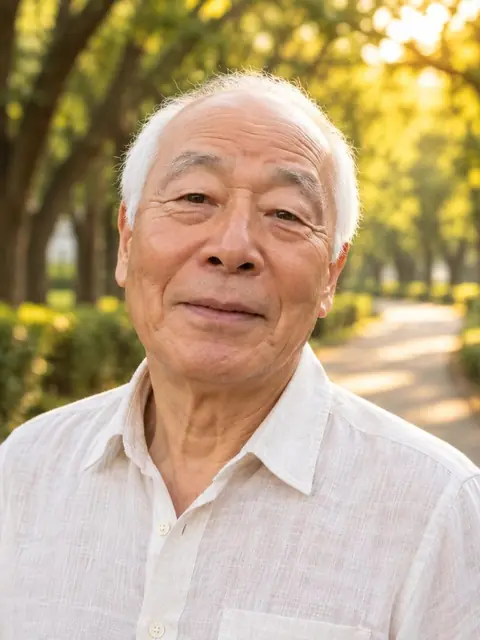
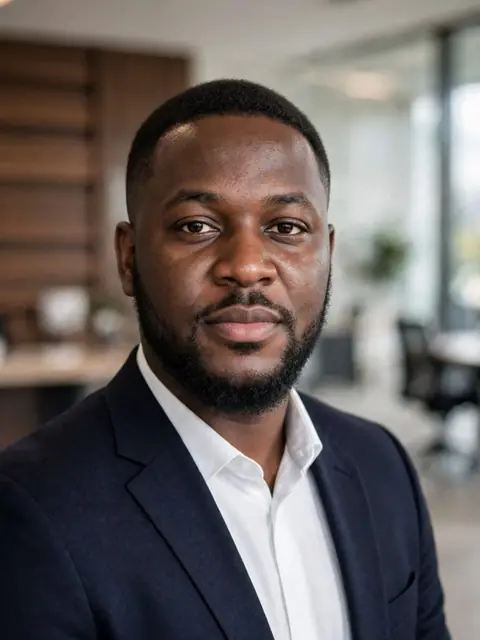
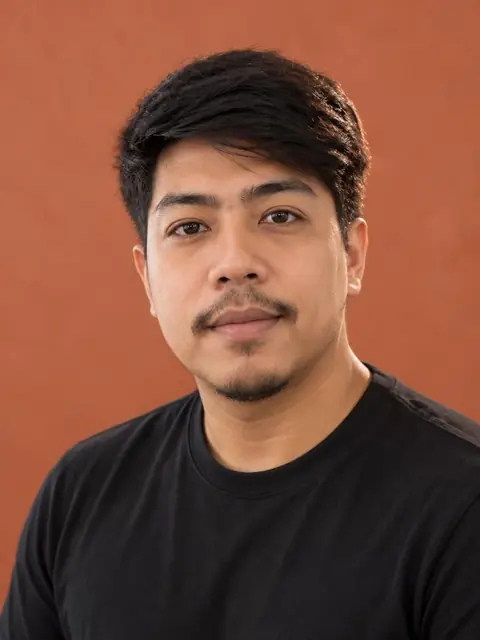
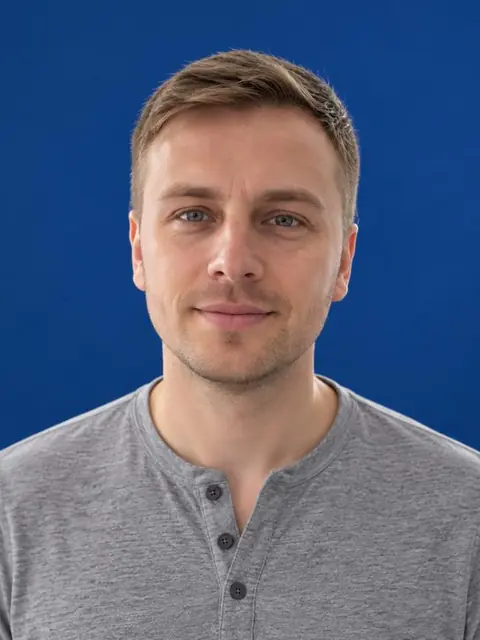
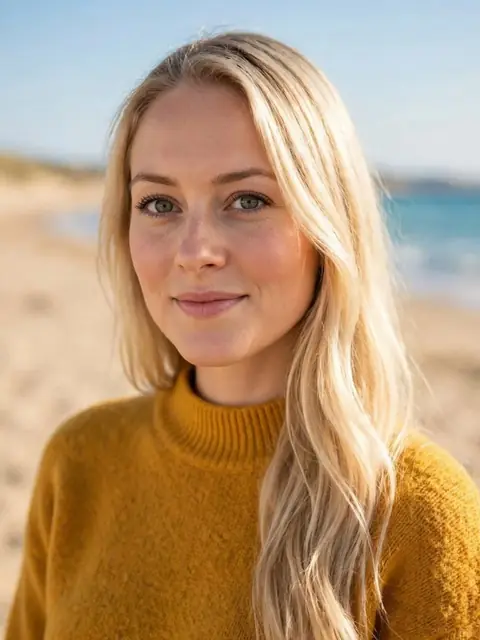
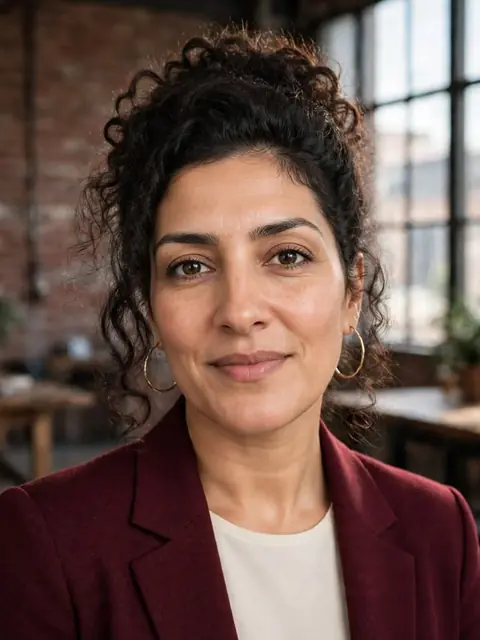
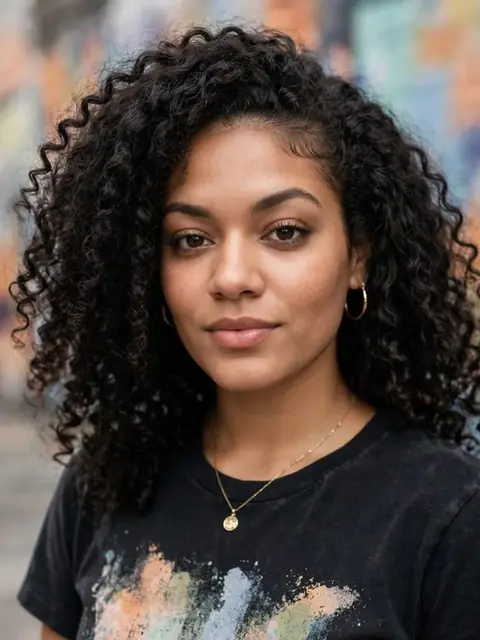
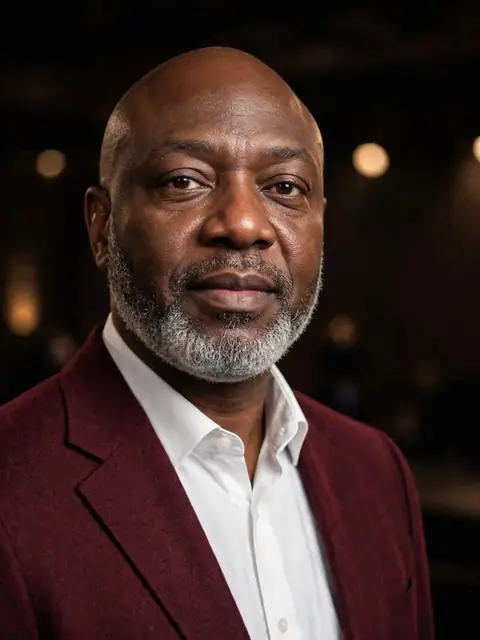
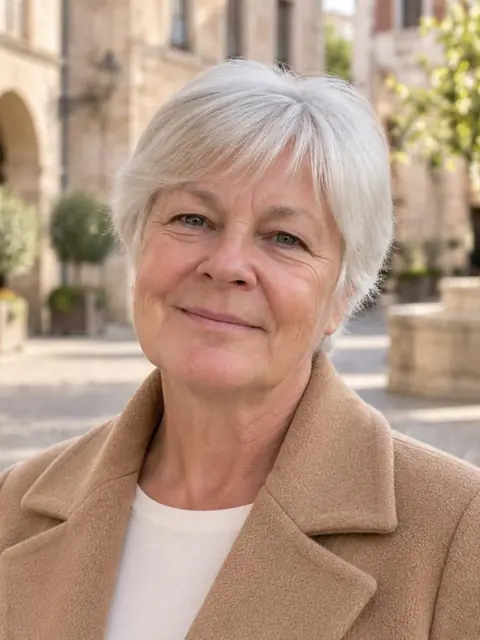
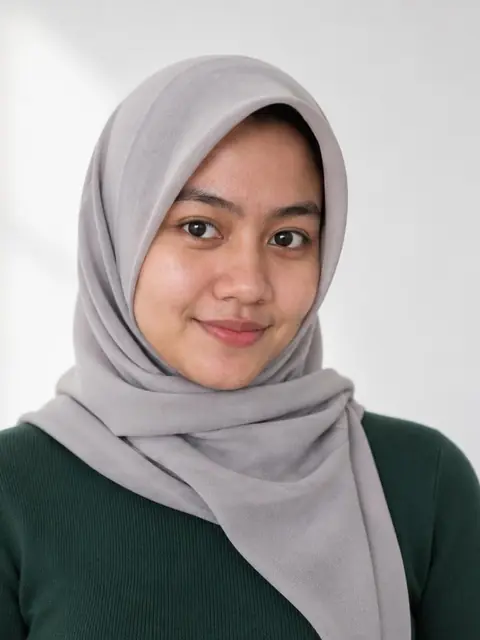
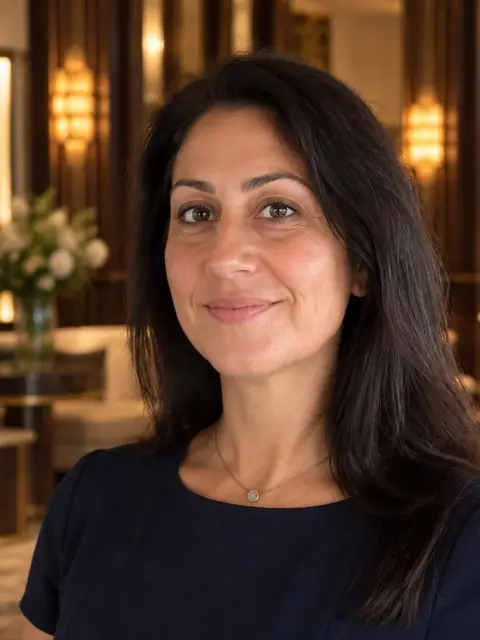
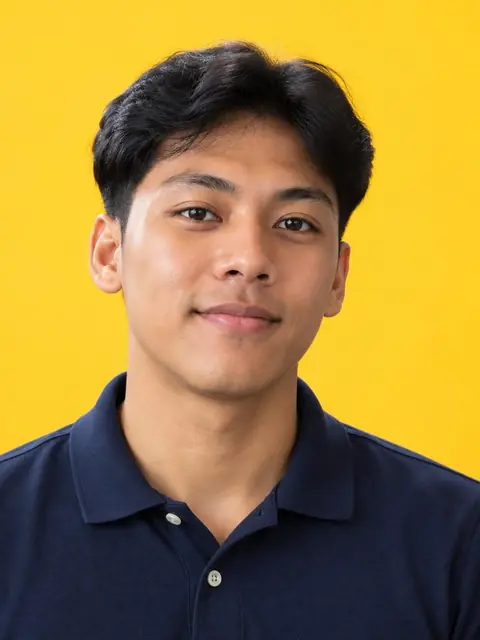
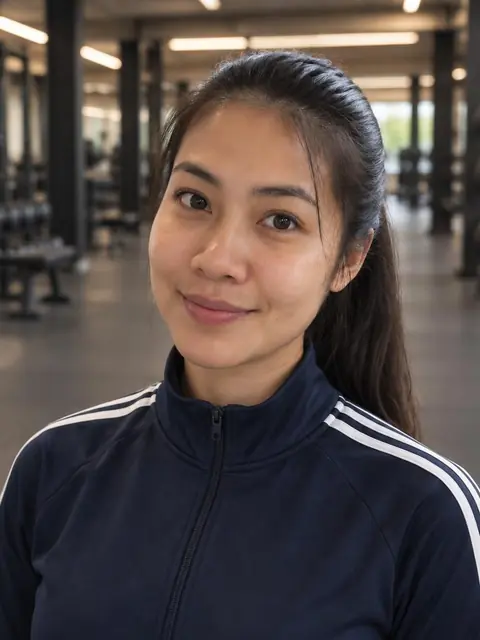
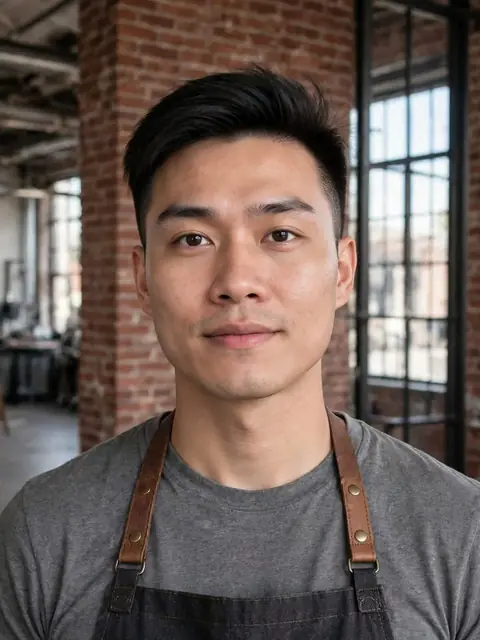
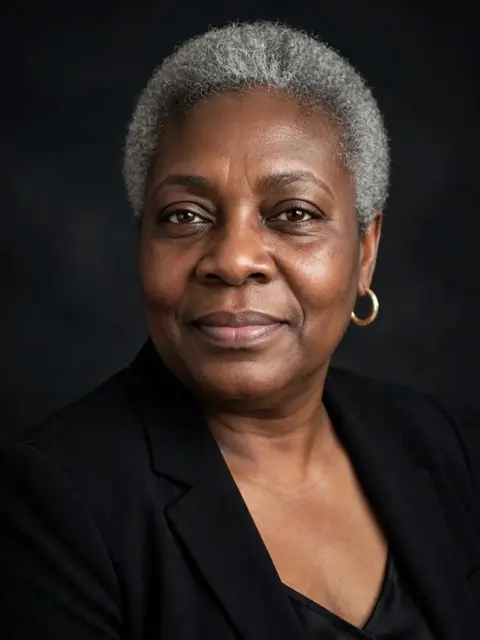
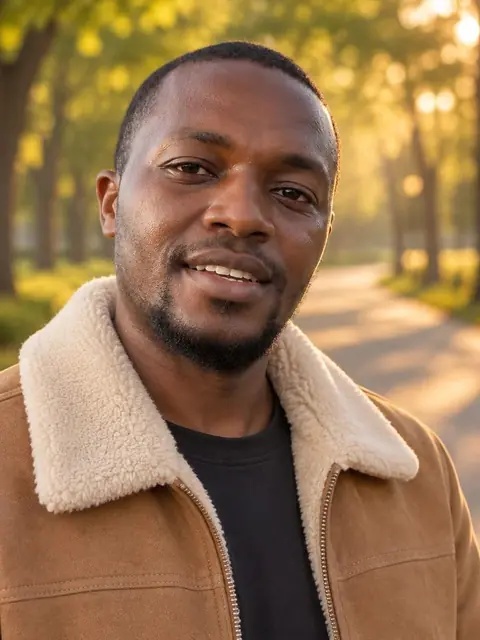
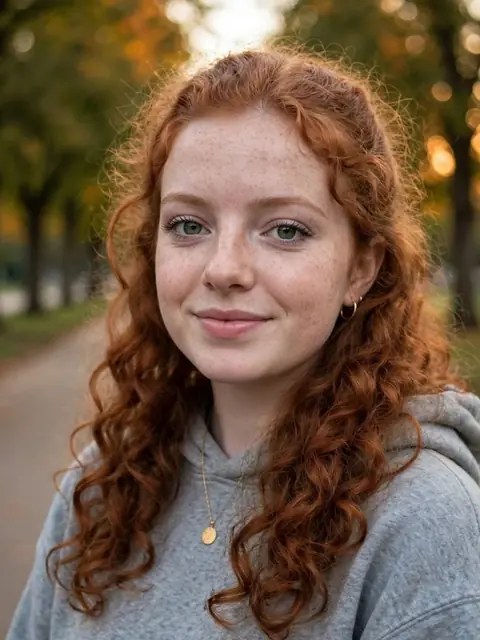
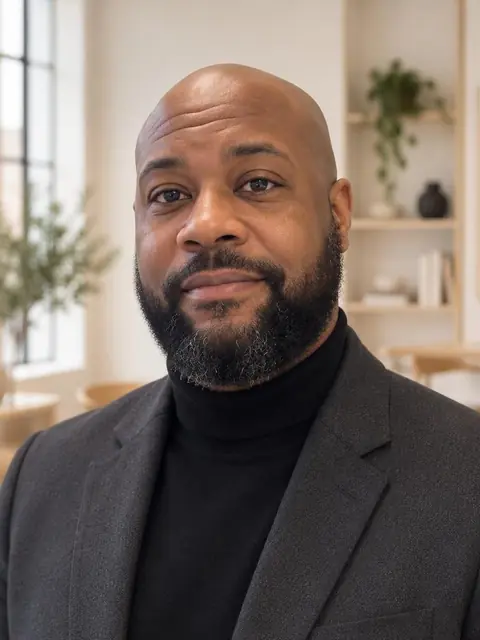
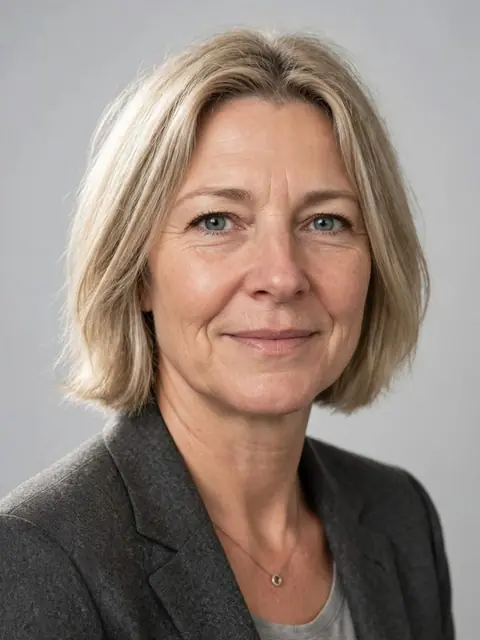
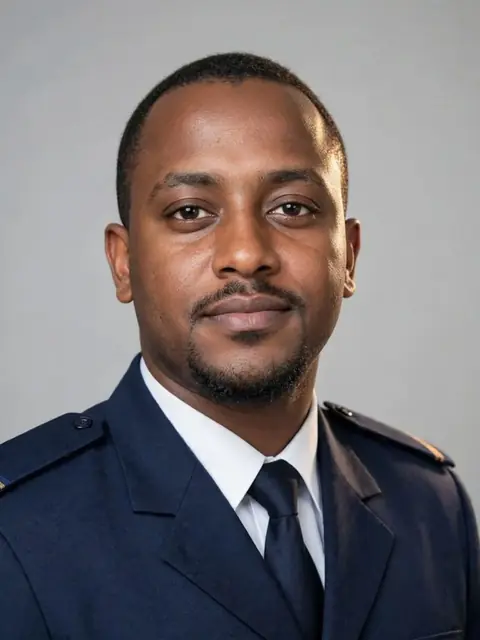
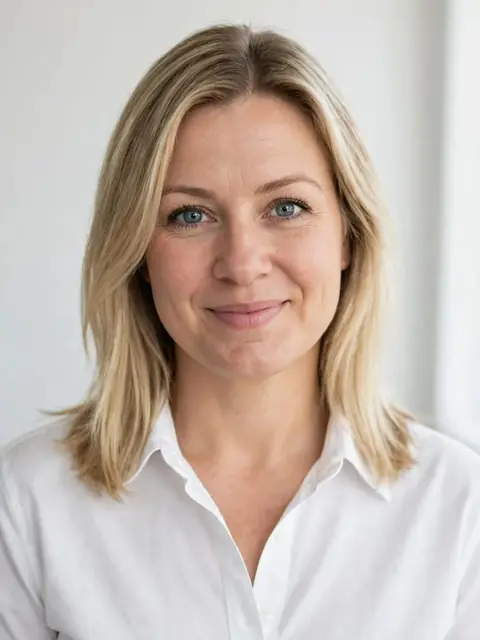
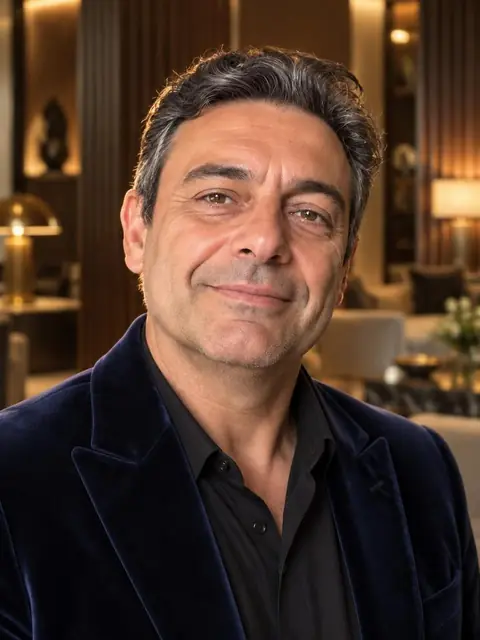
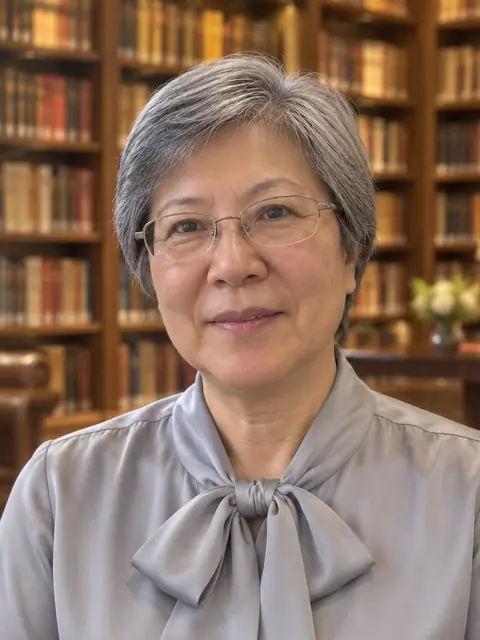
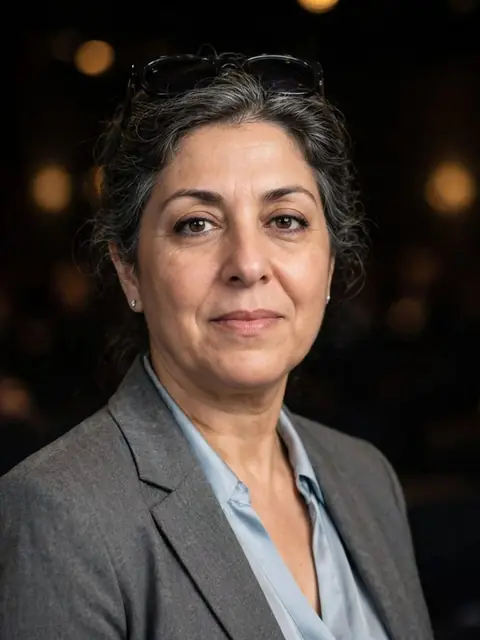
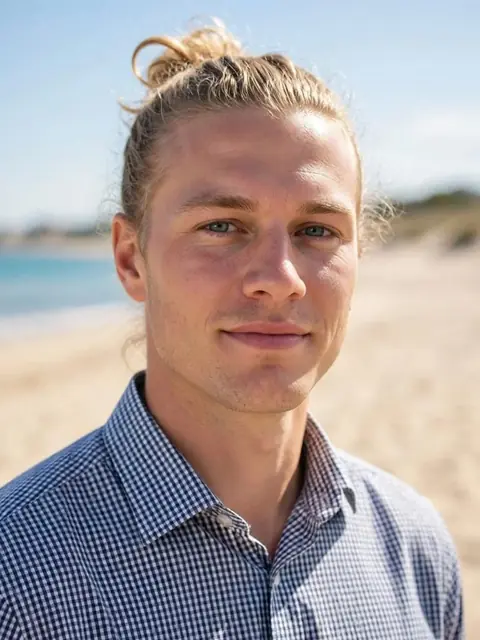
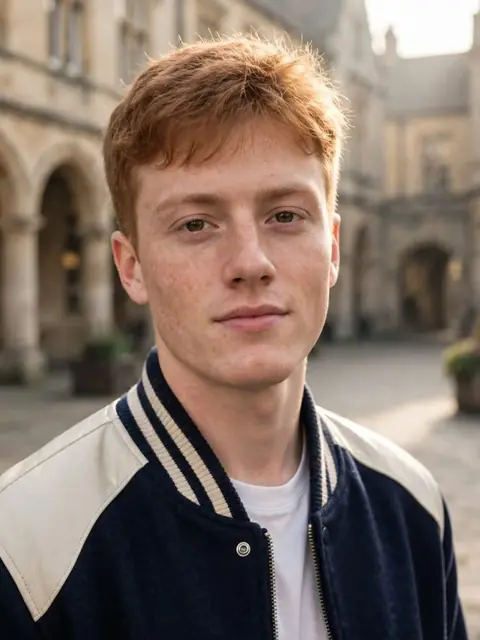
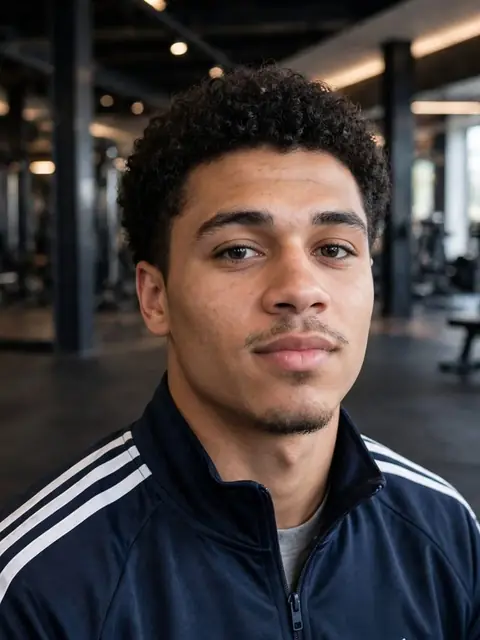
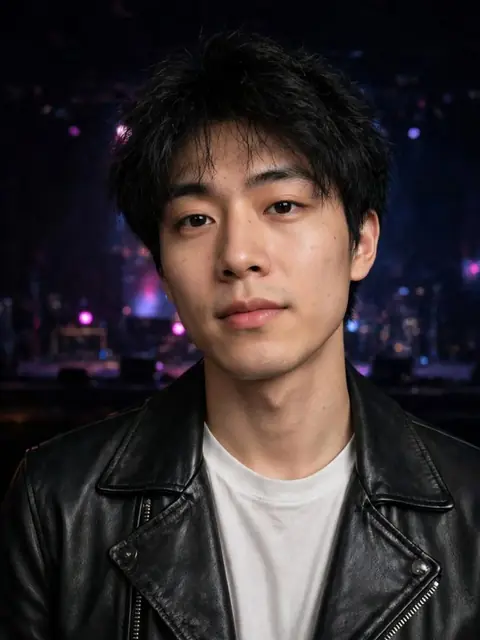
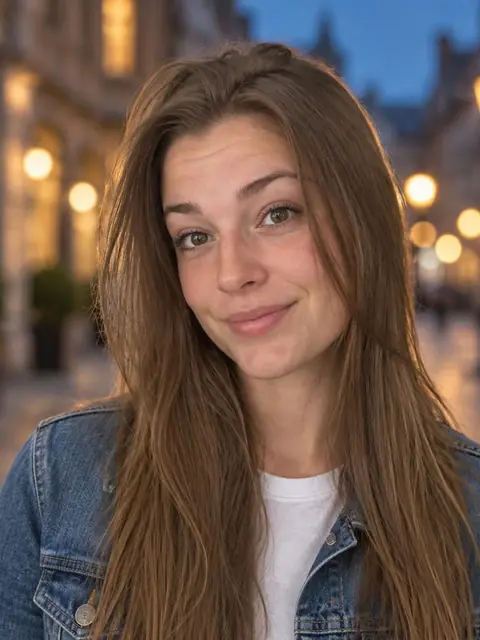
LinkedIn headshot with AI.
No photographer, no studio.
From five selfies we create a professional LinkedIn headshot — first previews in minutes.Nine free previews — see the result before you pay.One set for LinkedIn, your resume and company website — from €23.LinkedIn headshot from 5 selfies9 free previews · portraits from €23
- No subscription
- Nine free previews to check the quality
- Edit finished photos by describing changes
- Satisfaction guarantee or your money back — 14 days
- FREE previews
- 14-day satisfaction guarantee or your money back
- Secure payment via Stripe
- Delete all your data with one click
This is what the results look like
Like a photo from a professional studio — but ready in minutes, from your own home.
It's simple. All it takes is selfies
Everything you need is already on your phone. We do the rest.
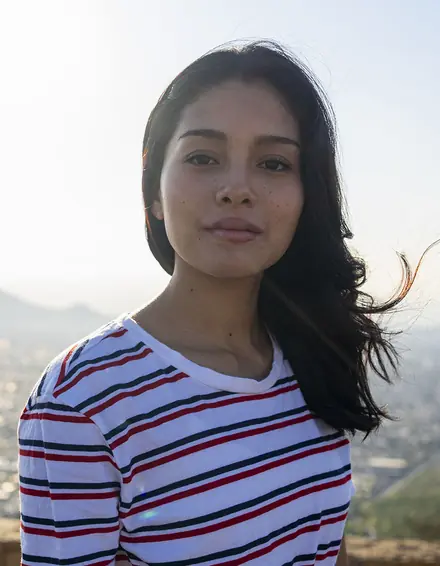
Upload five selfies
Ordinary face photos from your phone are enough. We check each one straight away, and if one doesn't fit, we tell you why.
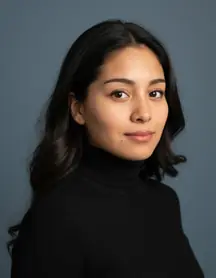
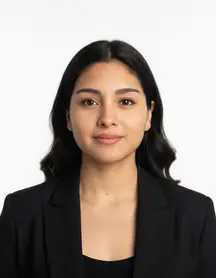
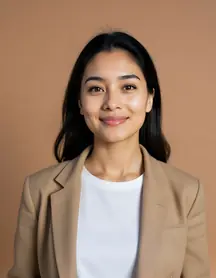
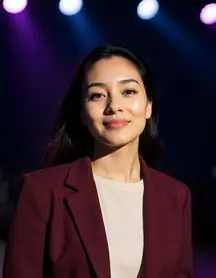
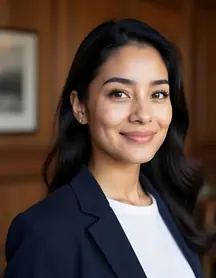
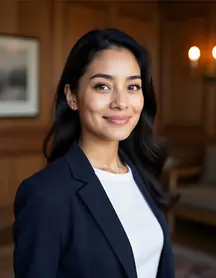
Pick the ones that are you
In a few minutes you see nine free previews — three from each technology. You tick the ones where you recognise yourself most, and the whole set is built from them.
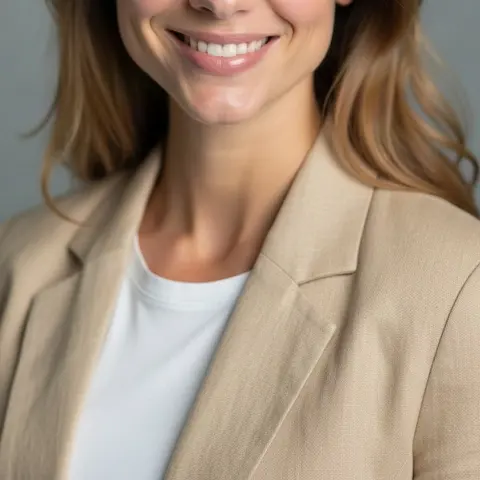
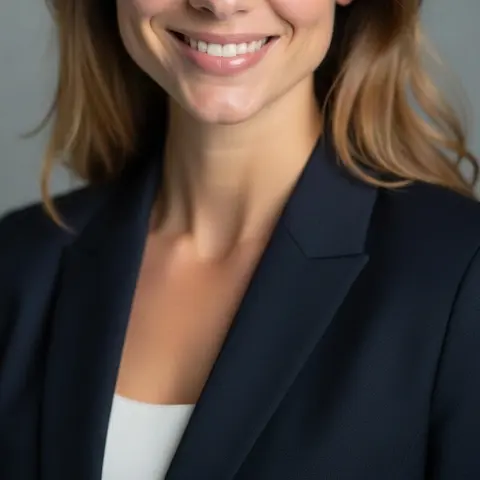
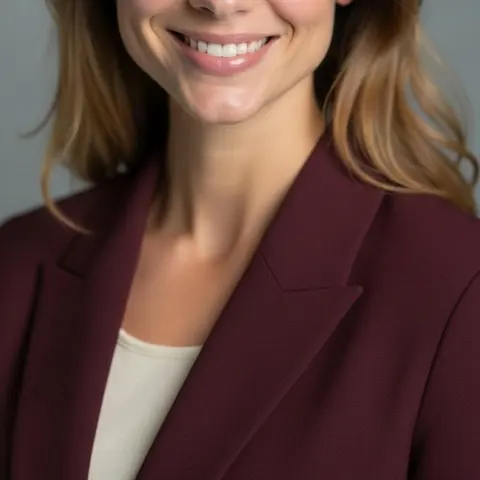

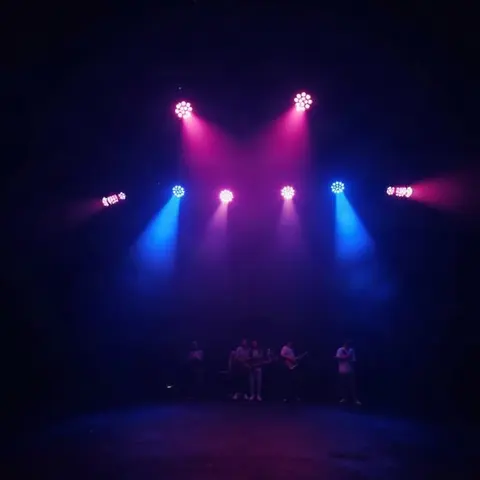
Choose a style, download your portraits
After payment you pick clothing and background. Portraits land in your gallery within minutes, and you can edit any of them in your own words.
Why people keep putting off the photographer
Almost everyone needs a professional photo. Yet most people put it off for months or years — always for the same reasons.
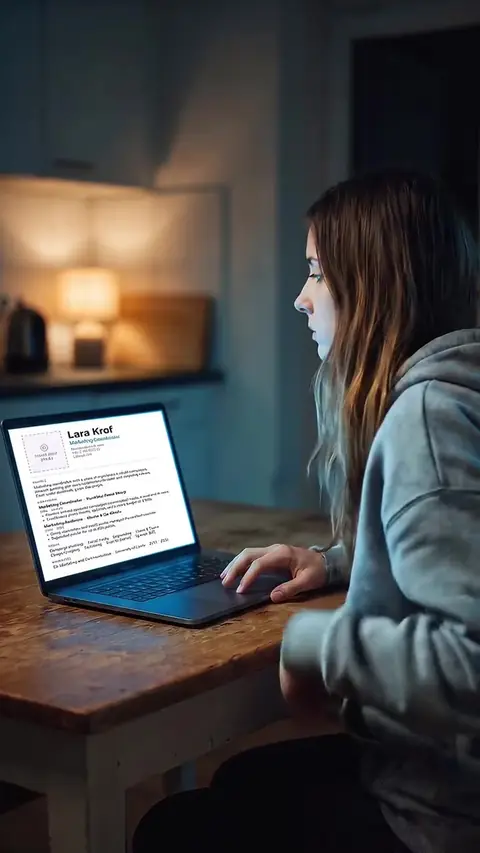
Stress in front of the camera
Posing in front of a stranger and studio lights is uncomfortable for most people. The result is a stiff smile, not you.
With us: a few selfies at home, relaxed and with no audience.
Booking and travel
Finding a free slot, getting to the studio, taking time off work… Half a day gone for one photo.
With us: any time from your sofa, previews in minutes.
A high price for a few shots
A studio session costs €80–200 and you take home only a handful of selected shots.
With us: dozens of portraits from €23.
Little choice, no second chance
Hair, expression or light not right? You have to book again and pay again.
With us: pick from dozens of photos and edit any of them in words.
A photographer, or LookTwin?
Both get you a good photo. Only one costs a fraction, doesn't take weeks and doesn't make you travel.
Studio photographer
- €80–200 per session
- appointments days or weeks out
- an hour of shooting plus travel
- edits cost extra
LookTwin
- from €23, one payment
- first photos within minutes
- from selfies you already have
- edit photos from your description
We use the 3 most advanced
technologies of 2026.
Each one is a little different, and each suits a different person. So we show you results from all three for free, and you decide which one is right for you. Maybe it's one technology, maybe all three — it's entirely up to you how many you choose. That way you'll see the quality you get before you pay. And if you still don't like the results, we'll fix them — and if that doesn't help either, we'll refund you. Just write within 14 days.
See first, pay later
Nine free previews show you how you'll look in your portraits. You pick the ones where you recognise yourself — and the whole set is built from them. No buying blind.
Studio-quality portraits
Dozens of photos in consistent quality. You pick clothing and background from the catalogue — 77 outfits and 26 settings. Like a real shoot: some photos you'll love, others you won't use.
Skin that looks like a real photo
No plastic look. The latest technology renders pores, freckles and individual hairs — zoom in and you'll see the difference from older AI photos. The portraits work for LinkedIn, your CV and your company website.
Your photos serve only you
We use your selfies only as a reference for your portraits and delete them within 30 days. We never sell them or train any AI on them. Your finished portraits stay available for 12 months, and you can delete everything with one button.
What LookTwin is for
One set of photos, many uses. Click what you need and we'll show you how.
A profile people trust at first glance
On LinkedIn you have a few seconds — and your photo is the first thing a recruiter or client sees. A profile with a professional photo looks more trustworthy and gets more clicks. Out of dozens of portraits, you pick the one that suits you best.
- Tip: a dark blazer or shirt and a calm office or studio background
- Head and shoulders, face clearly centred — our portraits are shot that way
- Use the same photo in your e-mail signature, Teams and Zoom
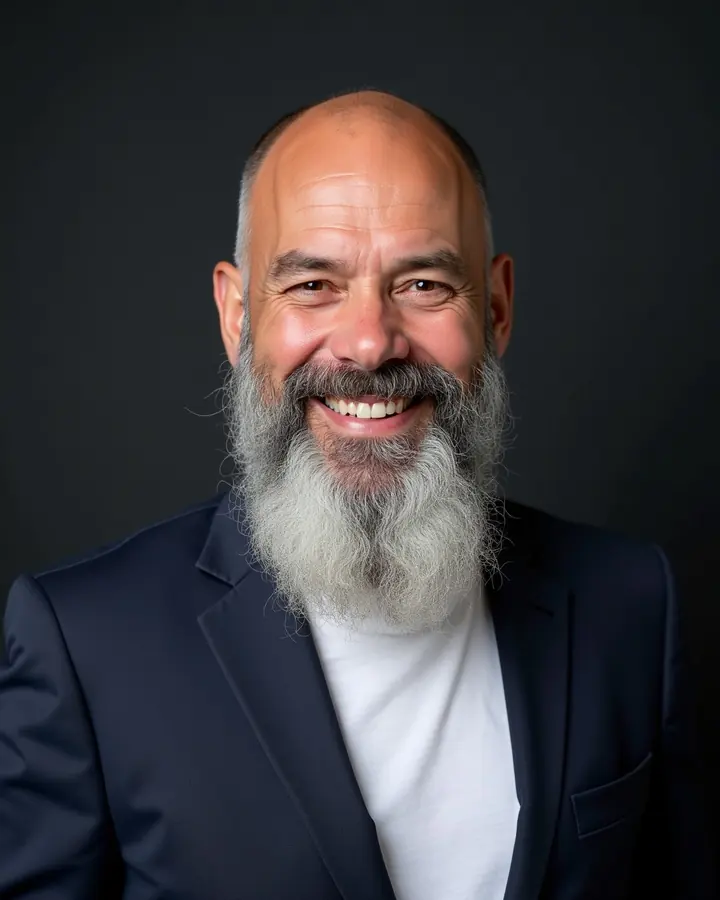
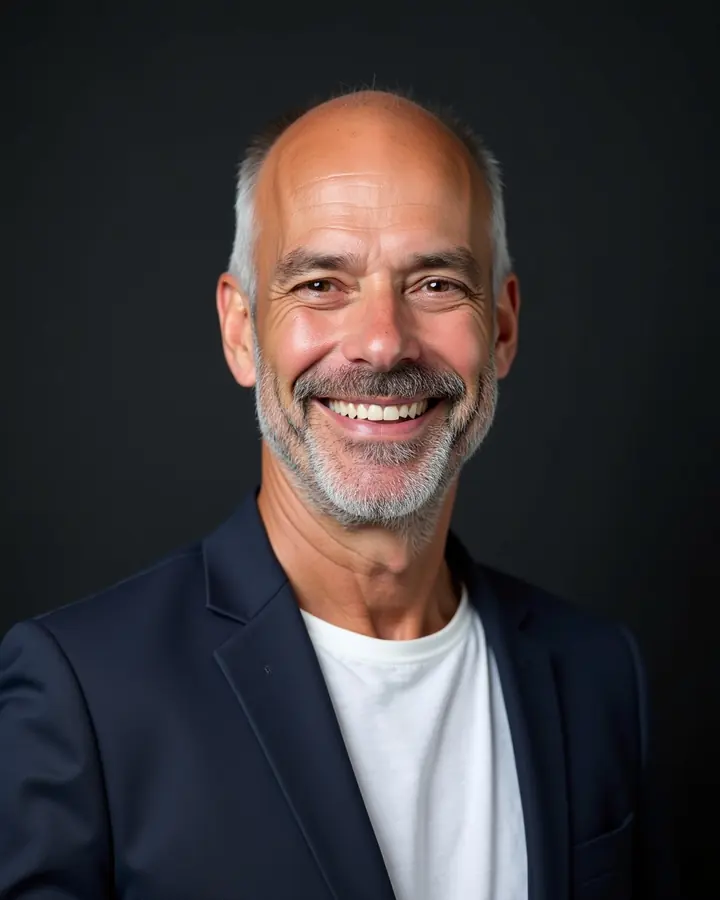
Beard, outfit or background off? Just describe it.
On a specific photo you describe in your own words what to change — different facial hair, a different jacket, a new background. The system makes the edit automatically from your description, usually within a minute.
What people say about their photos
Real reviews from customers in Czechia, translated.
The photos really do look real. Not all of them are perfect, but I guess that's why you get so many. I sent a few photos I had on my phone from a holiday and the result was great.
I didn't want to go to a photographer — being photographed in a studio makes me uncomfortable, I'm no model… Here I uploaded selfies over coffee and to me the result looks like a photographer took it.
Great photos, and there's even a button to delete all your data, which matters to me. I don't like leaving my data around, even when they say they don't use it for anything…
Three packages. Pay once.
Nine previews are free. Here you choose how many finished portraits you want — no watermark, full size, in the clothing and setting of your choice. One payment, no subscription.
Small
€23
- ✓30 finished photos
- ✓2K resolution — for the web, LinkedIn and social
- ✓5 edits in your own words
- ✓5 clothing and setting combinations
Medium
€30
- ✓60 finished photos
- ✓4K resolution — large format for print
- ✓15 edits in your own words
- ✓10 clothing and setting combinations
- ✓One free reshoot of the whole set
Large
€35
- ✓90 finished photos
- ✓4K resolution — large format for print
- ✓30 edits in your own words
- ✓15 clothing and setting combinations
- ✓One free reshoot of the whole set
Photographing a whole team? Everyone uploads their own selfies and picks the same outfit and background — no shoot day. For a larger team, write to us and we'll put together an offer. Ask for a company quote →
Photos are created with artificial intelligence and labelled in the file metadata under EU rules. We delete the uploaded selfies within 30 days; your finished photos stay for 12 months.
Frequently asked questions
What makes a LinkedIn photo look professional?
Your face is clearly centred, head and shoulders, you look into the lens, the background is calm and the outfit fits your industry. That is how our portraits look — you pick the outfit and background from the catalogue.
What size is a LinkedIn profile photo?
LinkedIn crops the photo into a circle and recommends at least 400 × 400 px. Our portraits are 2K, so there is plenty of headroom.
Can I use the same photo on my resume?
Yes. A package gives you dozens of portraits in different outfits and settings, so you can pick separate ones for LinkedIn, your resume and your company website.
Will it really be me in the photos?
That's the whole point. The technology works directly from your selfies as a reference, so it keeps your features, eyes, nose and smile. And because you see nine previews before you pay, you judge it yourself: if you don't recognise yourself, you pay nothing.
Does it really work? Doesn't it look fake?
A few years ago anyone could spot an AI photo — plastic skin, odd details. Today's technology renders pores, freckles and individual hairs, and for most people the result is indistinguishable from a studio photo. You don't have to take our word for it: nine free previews will show you on your own face.
What photos should I upload?
Five ordinary phone photos where you are alone in the frame and your face is clearly visible. You can upload more; we'll pick the best five. The more varied, the better — different days, light, angles and expressions. Unsuitable: screenshots, blurry photos, group photos, sunglasses, a hand over the face, heavy filters and old photos where you look different. We check every photo after upload and tell you whether it fits.
How long does it take?
Nine free previews within five minutes. After payment and your choice of clothing and setting, photos start landing in your gallery within a few minutes; the whole set is usually done within an hour, the largest package within an hour and a half. No need to wait around — we e-mail you when it's done.
Do I have to pay upfront or enter a card?
No. For the free previews you just upload your selfies and enter your e-mail (or sign in with Google) so we can show and send them to you. No card needed. You pay only when you like the previews and pick a package.
What does it cost and what's included?
You pay once, no subscription. Three packages: 30, 60 or 90 portraits — prices are above on this page. Every package includes clothing and setting from the catalogue, edits by description (5, 15 or 30) and commercial use. The small package comes in 2K (for web and LinkedIn), the medium and large in 4K — a large format, good for print too. The medium and large packages also include one free reshoot of the whole set — just write to us. A studio photographer costs several times more, and you wait days or even weeks.
What if I don't like the photos?
On a specific photo you describe what to change and the edit happens automatically from your description — edits are included in your package. If the whole set still isn't right, write to us at info@looktwin.com. First we fix the set at no extra charge. If that doesn't help either, we refund the full price by the same payment method — just write within 14 days of delivery of your photos. After that we refund only where the service is faulty, for example if the files are damaged. And before we start generating at all, you get 100 % back, always.
Why not ChatGPT or another AI app?
General AI apps make a nice picture, but they often don't hold your likeness — features drift from photo to photo and the result looks more like someone similar to you. We built the whole process for portraits only: we check every selfie you upload, our clothing and setting prompts are tested, we make sure your face is framed properly, and you get dozens of photos in a consistent style. On top of that, you pick the one of three technologies that suits you best.
Who will see my photos? Are they safe?
Your selfies are used only as a reference for your portraits. We never sell them, never show them to anyone and never train any AI on them. The portraits are created by our vetted technology partner, who is not allowed to keep the photos longer than needed; data transfers follow GDPR rules — details are in our Privacy Policy. We delete your selfies within 30 days, and previews of unpaid orders too. Your finished portraits stay available for 12 months — and you can delete everything at any time with one button in your account.
Can people tell the photo was made with AI?
At first glance, usually not — the portraits have natural skin, light and detail. But every file carries an invisible label in its metadata, as European AI rules require. It isn't visible in the photo itself.
Who owns the photos, and can I use them for work?
Once you've paid, the photos are yours. Use them for any lawful purpose, commercial included — LinkedIn, your CV, your company website, presentations, social media — with no extra fees and no need to credit us.
Can I use the photos for an ID card or passport?
No. ID documents require a real photograph taken according to official rules. Our portraits are for professional profiles, your CV, company websites and social media.
How can I pay?
By card, Apple Pay or Google Pay, and in Poland also by BLIK. Payments are processed by Stripe, one of the world's largest payment providers — your card details never reach us. You pay once; nothing renews.
Five selfies is all that stands between you and a professional photo.
Nine free previews in a few minutes. You pay only when you like them.
Create my portraits →